Transfer liquids and make asphalt
Use the transfer hose to connect machines in loaded chunks without pipes, then turn bitumen into asphalt and road markings.
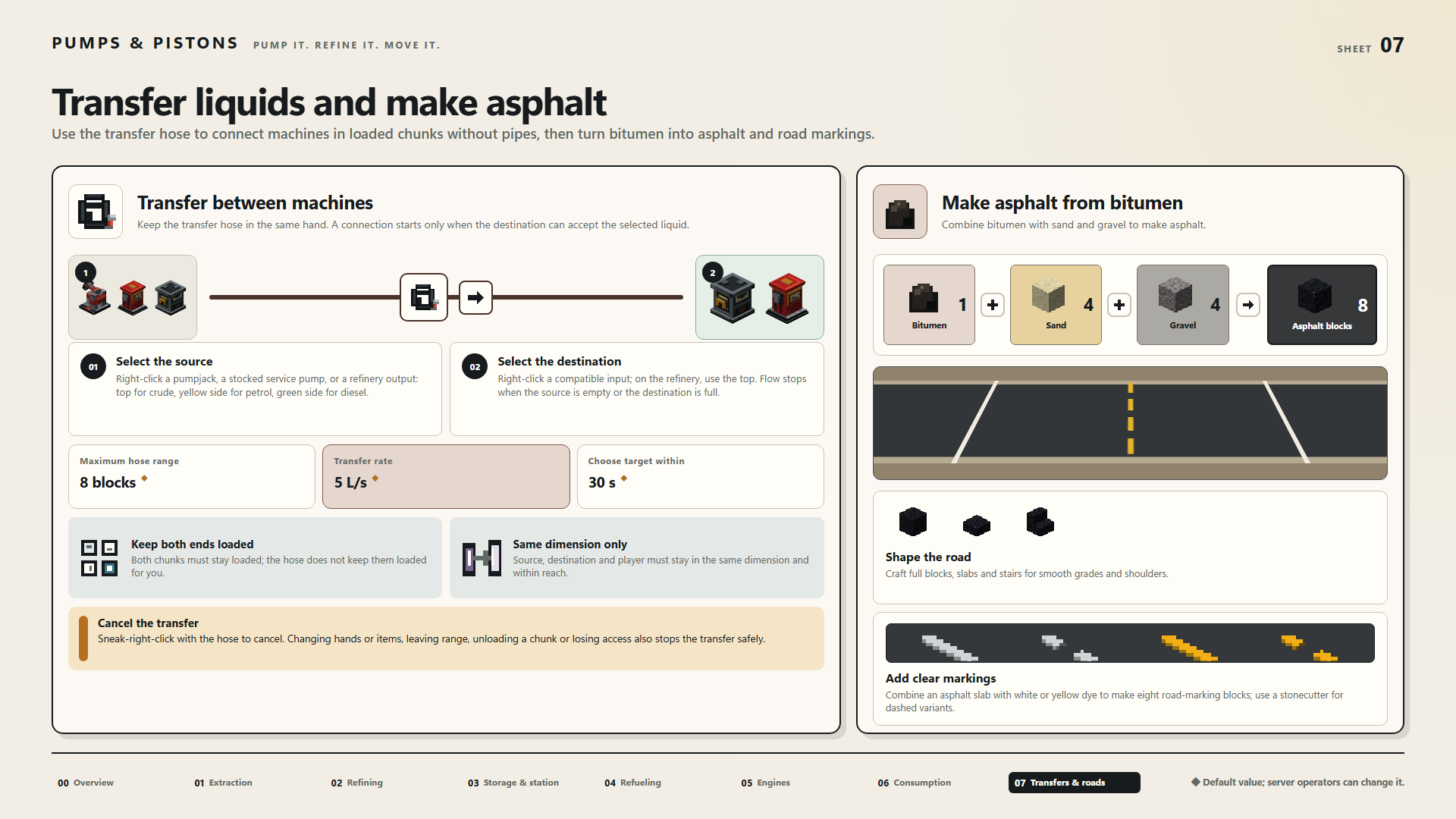
Transfer between machines
Keep the transfer hose in the same hand. A connection starts only when the destination can accept the selected liquid.
Select the source
Right-click a pumpjack, a stocked service pump, or a refinery output: top for crude, yellow side for petrol, green side for diesel.
Select the destination
Right-click a compatible input; on the refinery, use the top. Flow stops when the source is empty or the destination is full.
Maximum hose range: 8 blocks ◆
Transfer rate: 5 L/s ◆
Choose target within: 30 s ◆
Keep both ends loaded
Both chunks must stay loaded; the hose does not keep them loaded for you.
Same dimension only
Source, destination and player must stay in the same dimension and within reach.
Cancel the transfer
Sneak-right-click with the hose to cancel. Changing hands or items, leaving range, unloading a chunk or losing access also stops the transfer safely.
Make asphalt from bitumen
Combine bitumen with sand and gravel to make asphalt.
1 Bitumen + 4 Sand + 4 Gravel → 8 Asphalt blocks
Shape the road
Craft full blocks, slabs and stairs for smooth grades and shoulders.
Add clear markings
Combine an asphalt slab with white or yellow dye to make eight road-marking blocks; use a stonecutter for dashed variants.
◆ Default value; server operators can change it.