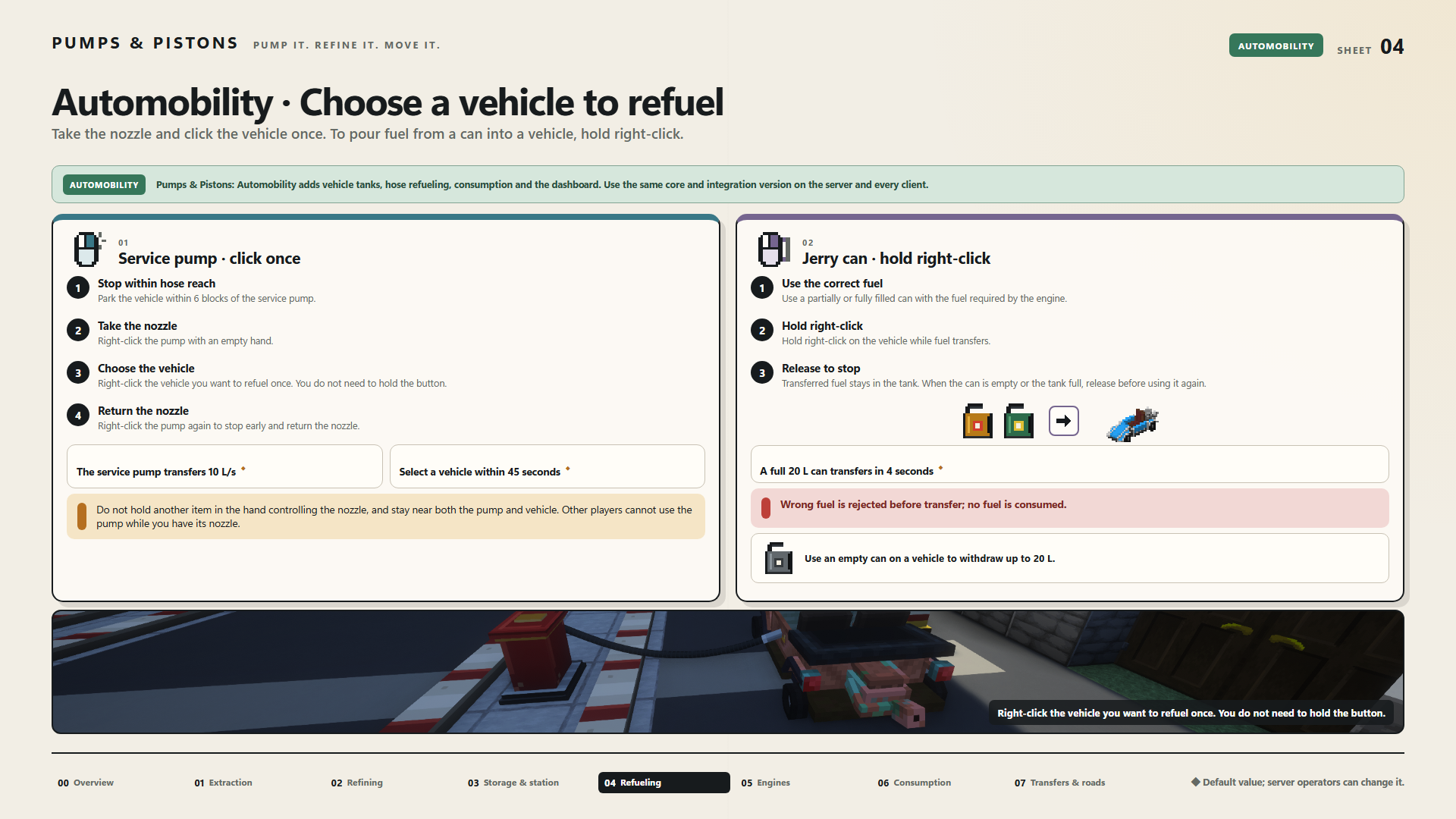
Automobility · Choose a vehicle to refuel
Take the nozzle and click the vehicle once. To pour fuel from a can into a vehicle, hold right-click.
Pumps & Pistons: Automobility adds vehicle tanks, hose refueling, consumption and the dashboard. Use the same core and integration version on the server and every client.
Service pump · click once
- Stop within hose reach — Park the vehicle within 6 blocks of the service pump.
- Take the nozzle — Right-click the pump with an empty hand.
- Choose the vehicle — Right-click the vehicle you want to refuel once. You do not need to hold the button.
- Return the nozzle — Right-click the pump again to stop early and return the nozzle.
The service pump transfers 10 L/s ◆
Select a vehicle within 45 seconds ◆
Do not hold another item in the hand controlling the nozzle, and stay near both the pump and vehicle. Other players cannot use the pump while you have its nozzle.
Jerry can · hold right-click
- Use the correct fuel — Use a partially or fully filled can with the fuel required by the engine.
- Hold right-click — Hold right-click on the vehicle while fuel transfers.
- Release to stop — Transferred fuel stays in the tank. When the can is empty or the tank full, release before using it again.
A full 20 L can transfers in 4 seconds ◆
Wrong fuel is rejected before transfer; no fuel is consumed.
Use an empty can on a vehicle to withdraw up to 20 L.
◆ Default value; server operators can change it.