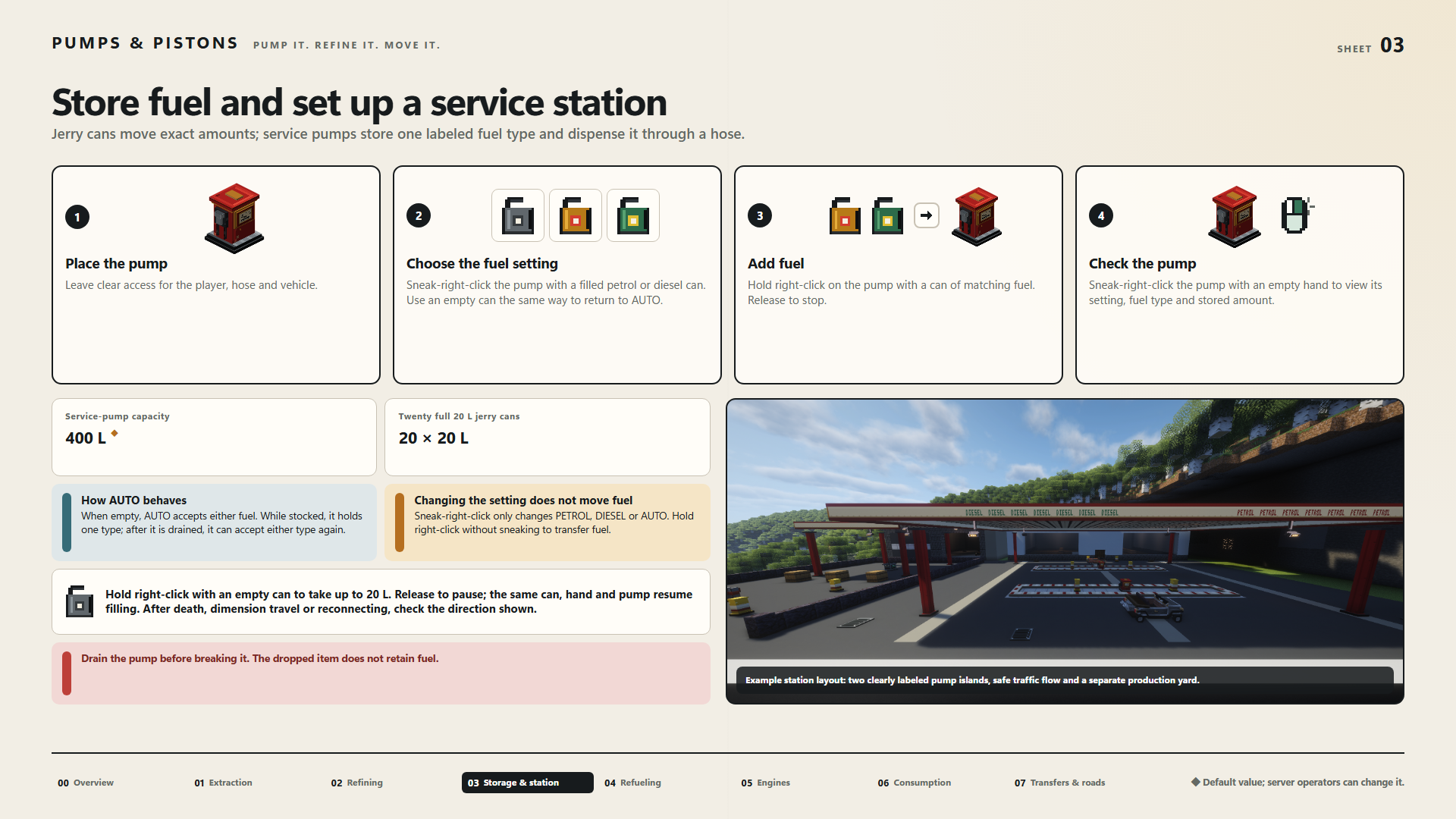
Store fuel and set up a service station
Jerry cans move exact amounts; service pumps store one labeled fuel type and dispense it through a hose.
- Place the pump — Leave clear access for the player, hose and vehicle.
- Choose the fuel setting — Sneak-right-click the pump with a filled petrol or diesel can. Use an empty can the same way to return to AUTO.
- Add fuel — Hold right-click on the pump with a can of matching fuel. Release to stop.
- Check the pump — Sneak-right-click the pump with an empty hand to view its setting, fuel type and stored amount.
Service-pump capacity: 400 L ◆
Twenty full 20 L jerry cans: 20 × 20 L
How AUTO behaves
When empty, AUTO accepts either fuel. While stocked, it holds one type; after it is drained, it can accept either type again.
Changing the setting does not move fuel
Sneak-right-click only changes PETROL, DIESEL or AUTO. Hold right-click without sneaking to transfer fuel.
Hold right-click with an empty can to take up to 20 L. Release to pause; the same can, hand and pump resume filling. After death, dimension travel or reconnecting, check the direction shown.
Drain the pump before breaking it. The dropped item does not retain fuel.
Example station layout: two clearly labeled pump islands, safe traffic flow and a separate production yard.
◆ Default value; server operators can change it.